Keep the everyday close.
Choose and order your favourites. Scroll to the full app list, use search, or jump straight to a letter. Personal and Work are the only separate views, available when you have work apps.
 Longbeard Launcher / Native Android
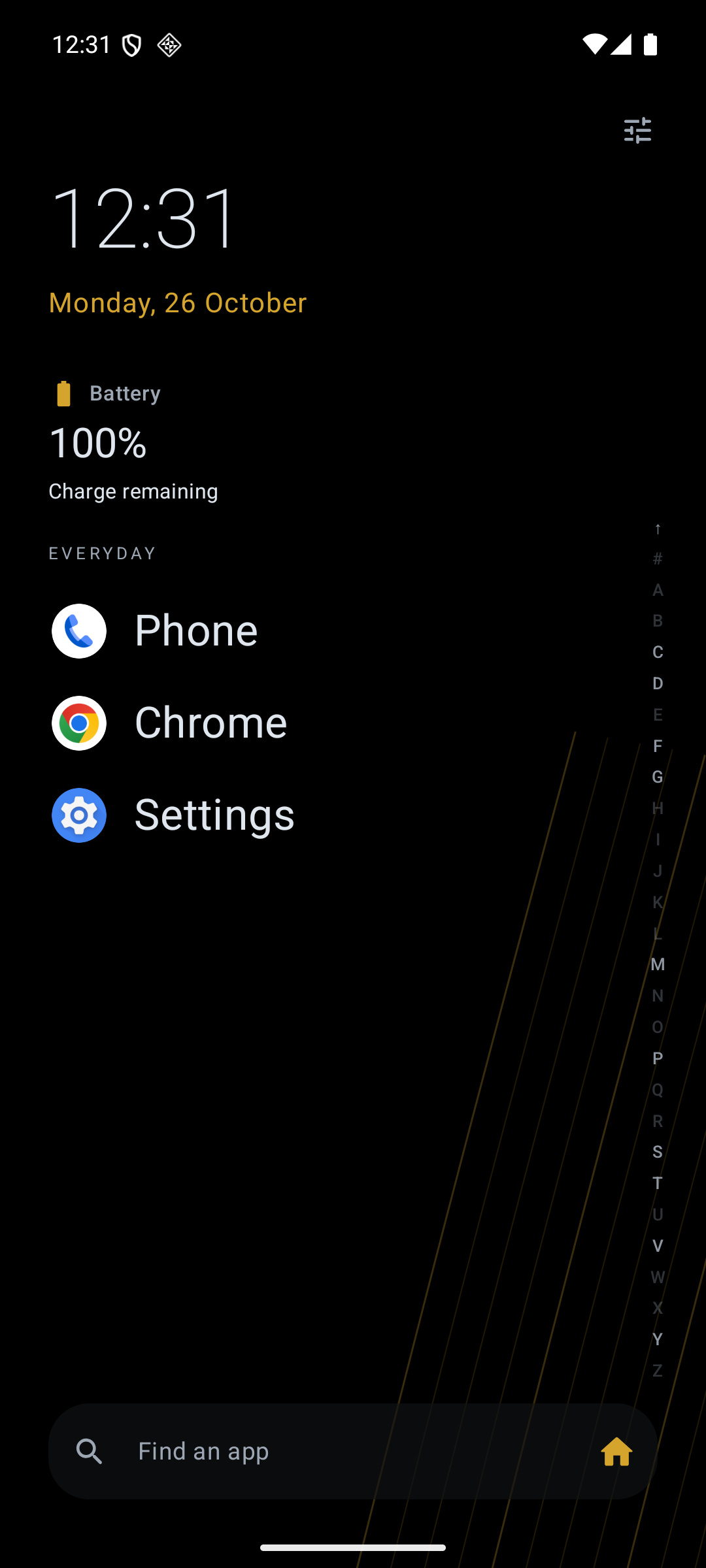
One continuous Home. Keep a few everyday favourites close, then scroll into the rest of your apps. A quiet screen that fits the way you use your phone.
Coming soon to Google Play
Android 8+Made for your phone
One HomeNo pages to manage
No adsNo subscriptions either
Less searching. More doing.
Your Home should help you reach an app, then let you get on with it. The essentials are free, including the controls that make it comfortable for you.
Choose and order your favourites. Scroll to the full app list, use search, or jump straight to a letter. Personal and Work are the only separate views, available when you have work apps.
The bubble alphabet curves around your touch as you browse. Shorten or lower the rail, move your favourites, and choose shorter swipe distances for one-handed use.
Adjust text and icon size, show icons, labels or both, and choose contrast, vibration and touch feedback. Accessibility, gestures and layout controls stay free.
Native Android, with Off, Quick and Fluid motion choices. A refresh preference up to 120 Hz is available on supported phones; Android manages the actual refresh rate.
Your screen. Your reach.
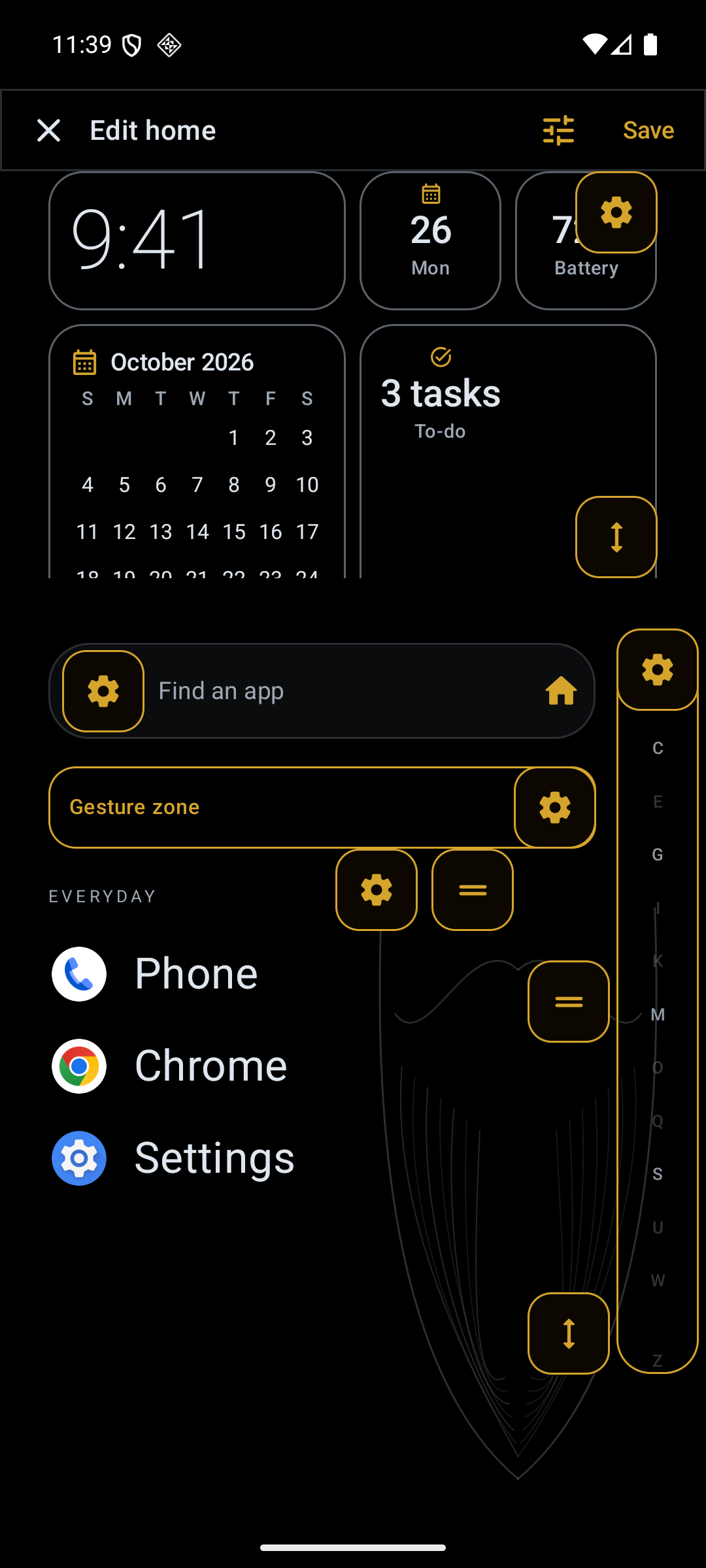
Make layout changes directly on the Home preview. Drag favourites and alphabet controls, adjust the top panel, and see what fits before you save.
A complete free launcher. An optional upgrade.
Free should feel useful on its own. Studio adds a background collection and information tiles for people who want a little more from Home.
The everyday essentials
A useful Home, without a purchase.
More personality. More at a glance.
Planned: R79 once-off
Studio is planned as one optional purchase, with no subscription or per-widget charges. Final local pricing and availability will be shown on Google Play before payment. Store purchasing is not available here yet.
Choose the extras you use
There is no separate launcher account. Your setup, tasks and generated backgrounds are saved on your phone. You can choose to export a backup. Optional widgets ask for the Android access they need.
Weather sends a rounded location to MET Norway for a forecast. Health and calendar tiles use compatible on-device sources and separate permissions. Read the privacy policy for the full handling and provider details.
Privacy & dataBefore you make it Home
Longbeard Launcher supports Android 8.0 and later. Features such as Health Connect, work profiles and particular Android controls depend on your phone, source apps and permissions. It is an Android launcher, not an iPhone app.
Yes. Choose a different Home app through Android's Default apps settings whenever you like. Your phone's original launcher stays available.
No. Reach, spacing, search placement, alphabet size, gestures, widget arrangement and every accessibility option are part of the free launcher. Studio unlocks extra appearance and selected information widgets.
The top panel uses built-in tiles with layouts designed for this launcher. It does not host arbitrary widgets from other apps. Now playing uses compatible Android media sessions, and health readings require compatible sources sharing records through Health Connect.
No. Android permissions remain separate. Calendar, Health Connect, notifications and screen activity stay optional, and health tiles do not appear on Work Home. Existing local tasks remain editable even without the paid Home tile.
The Play release is being prepared. A verified Google Play link will appear here when the public listing is available. For support, email hello@longbeard.tech.